Ready out of the box
Permission prompts, TUN and managed routing are preconfigured. Install it and connect — no config essay to read first.
Mihomo core · 5 platforms
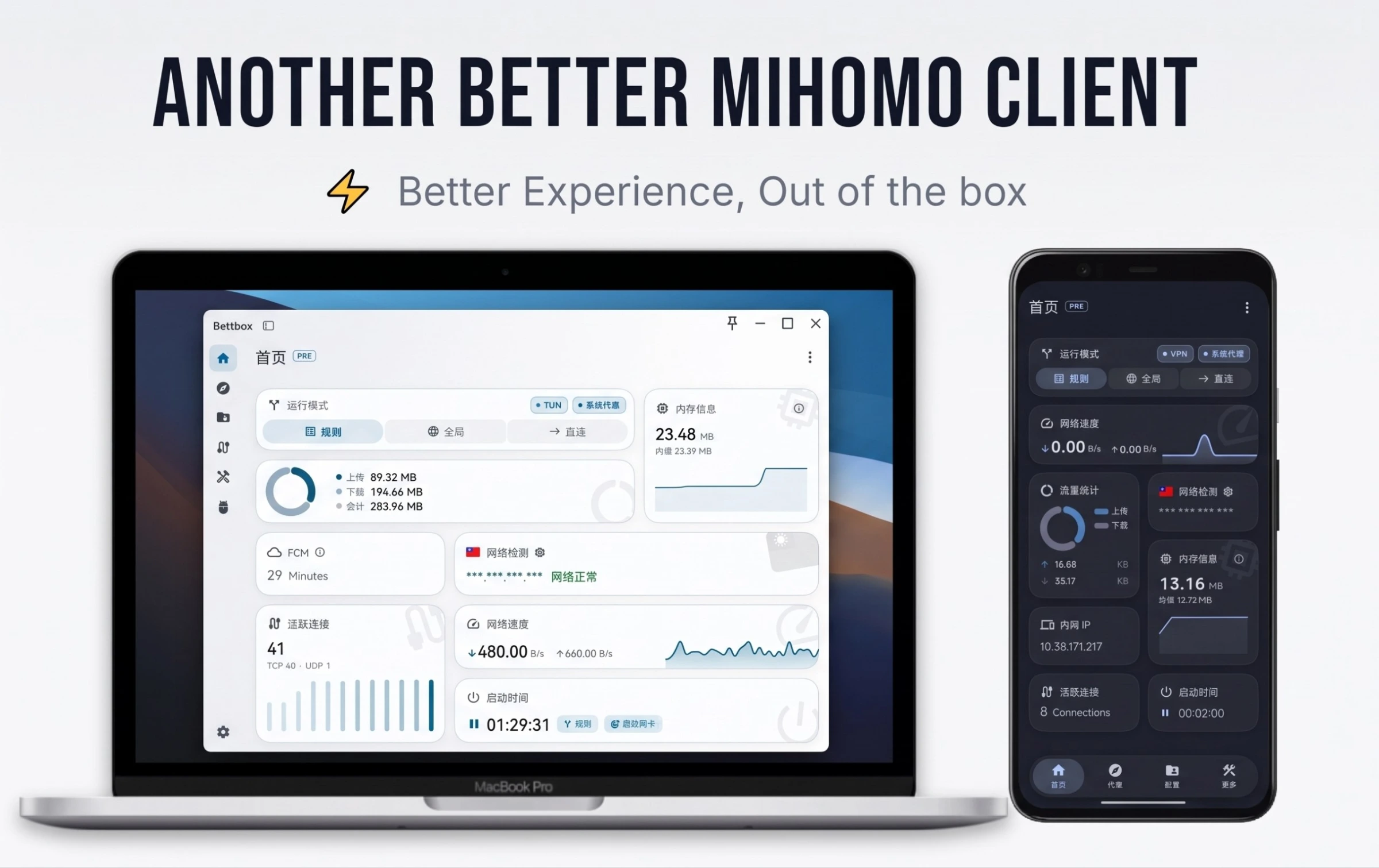
Bettbox is a multi-platform client for the Mihomo core. Windows, macOS, Linux, Android and Android TV share one configuration, and TUN, rule routing and latency tests live in the interface instead of a YAML file.
01/ What it fixes
Most clients leave configuration to the user. Bettbox handles permissions, TUN and routing presets first, then lets the interface do the rest.
Permission prompts, TUN and managed routing are preconfigured. Install it and connect — no config essay to read first.
Low-power scheduling on mobile, a small background footprint on desktop, and animation that stays smooth.
The core tracks Mihomo mainline, every platform asks only for the permissions it needs, and Windows builds carry an OV code-signing certificate.
Bad networks, reconnects and dead providers are handled as normal cases, and configs are validated twice before they load.
Every option has a switch or a slider and applies instantly. No editing YAML and restarting the core to find out.
Network and DNS routing inspectors show live connections, latency and the rule that actually matched.
All ten features are detailed on the features page; install specifics live on the download page.
02/ First run
You do not need to understand rule sets or DNS the first time. Install, paste a subscription, pick a mode.
On Windows pick x64 or arm64, on macOS pick Intel or Apple Silicon, on Android install the APK. HarmonyOS NEXT runs the Android package through Zhuoyitong.
Version requirements per platform are on the download page.
Copy the link your provider gave you and add it under Profiles, then update. If you already have a Clash YAML, import the local file instead.
Common import failures are covered in the troubleshooting section of quick start.
Rule mode with TUN covers almost everything. Switch to Global only when every connection must go through the proxy. TUN asks for system authorization once; the Windows installer already handles it.
03/ Answered up front
The download page lists packages and the first-launch notes for each platform. If something breaks, check the FAQ first, then open an issue on GitHub.